

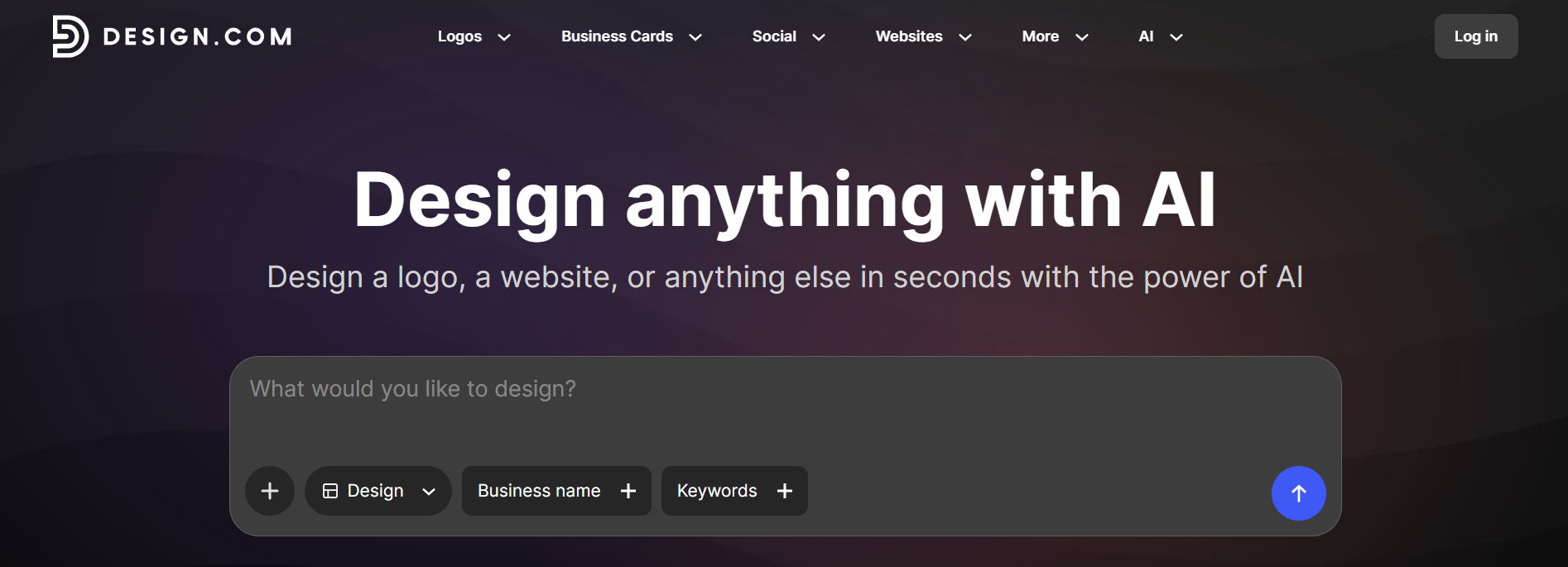
Design.com is an AI-powered online design and branding platform that helps individuals, entrepreneurs, startups, and businesses create a complete visual identity and a wide range of branded materials from one place. Rather than focusing only on logo creation, the platform covers many parts of the branding process, including logos, websites, business cards, social media graphics, presentations, flyers, posters, email signatures, digital business cards, and other marketing designs. Its AI tools can generate design ideas from a business name, description, or prompt, which users can then customize to match their preferred style.
A key part of Design.com is its ability to connect different design activities around a consistent brand identity. Users can create an AI-generated logo and then use its colors, fonts, and visual style across websites, business cards, social media content, presentations, and other materials. The platform also provides an AI website generator that can create responsive website designs from a business name or prompt, along with built-in hosting and custom-domain options. Its broader platform includes 50+ design tools and a large library of templates, giving users options for both digital and print content.
Design.com is particularly useful for users who need professional-looking branding but do not have advanced graphic design or web development skills. A new business, for example, can use the platform to move from an initial logo concept to a website, business card, social media graphics, and other marketing assets while keeping the visual style consistent. Users can also refine generated designs by changing fonts, colors, layouts, icons, and other elements. This makes Design.com suitable for startups, small businesses, freelancers, entrepreneurs, marketers, agencies, and organizations that want to create and manage brand materials more efficiently.