
Design.com - ToolaGator
Menu Close

What is Design.com

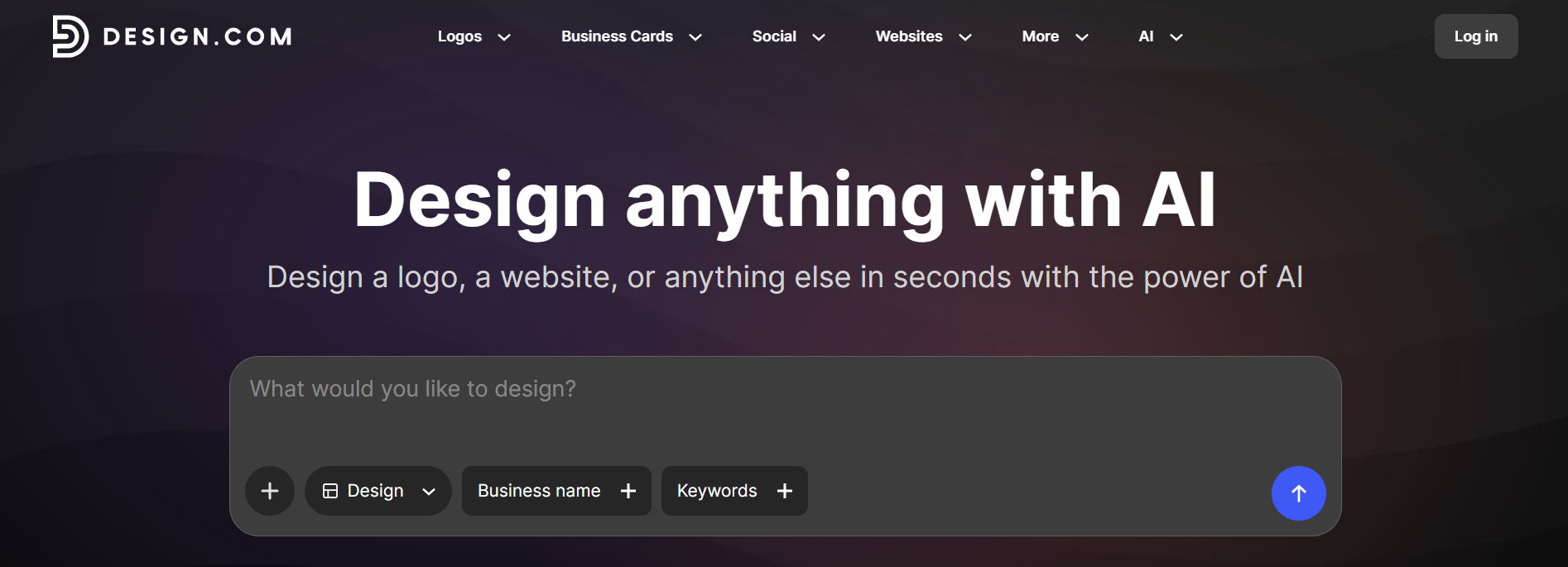
Design.com is an AI-powered online design and branding platform that helps individuals, entrepreneurs, startups, and businesses create a complete visual identity and a wide range of branded materials from one place. Rather than focusing only on logo creation, the platform covers many parts of the branding process, including logos, websites, business cards, social media graphics, presentations, flyers, posters, email signatures, digital business cards, and other marketing designs. Its AI tools can generate design ideas from a business name, description, or prompt, which users can then customize to match their preferred style.

A key part of Design.com is its ability to connect different design activities around a consistent brand identity. Users can create an AI-generated logo and then use its colors, fonts, and visual style across websites, business cards, social media content, presentations, and other materials. The platform also provides an AI website generator that can create responsive website designs from a business name or prompt, along with built-in hosting and custom-domain options. Its broader platform includes 50+ design tools and a large library of templates, giving users options for both digital and print content.


Design.com is particularly useful for users who need professional-looking branding but do not have advanced graphic design or web development skills. A new business, for example, can use the platform to move from an initial logo concept to a website, business card, social media graphics, and other marketing assets while keeping the visual style consistent. Users can also refine generated designs by changing fonts, colors, layouts, icons, and other elements. This makes Design.com suitable for startups, small businesses, freelancers, entrepreneurs, marketers, agencies, and organizations that want to create and manage brand materials more efficiently.

Key features of Design.com

  • AI Logo Generator - Design.com can generate multiple logo concepts from a business name, industry, keywords, or a written prompt. Users can explore different styles, colors, fonts, icons, and layouts, then refine the selected concept to better match the brand. The platform can generate thousands of logo variations and provides filtering options to narrow results by style, color, and keywords.
  • AI Website Builder - The platform can generate website designs based on a business name or prompt, helping users create an online presence without coding. Users can customize fonts, colors, layouts, images, videos, icons, spacing, and other design elements. Websites are responsive across mobile, tablet, and desktop devices and can be published directly through the platform.
  • Complete Brand Kit - Once a logo is created, Design.com can apply its colors and visual style across other branded materials. This allows users to create matching business cards, social media graphics, flyers, posters, presentations, letterheads, email signatures, and other assets without manually recreating the same branding for every design.
  • Business Card Design - Users can create both traditional and digital business cards using their existing logo and brand identity. The designs can be customized with contact information and other business details, helping maintain consistency between physical and digital networking materials.
  • Social Media Design Tools - Design.com provides tools and templates for creating social media posts, stories, banners, and other platform-specific graphics. Its social design options cover channels such as Instagram, TikTok, Facebook, LinkedIn, and YouTube, allowing users to adapt their branding for different social platforms.
  • Large Template Library - The platform provides a large collection of professionally designed templates covering branding, websites, social media, print materials, and marketing content. Users can start from an existing design rather than creating every asset from a blank canvas, then customize the template according to their requirements.
  • AI Business Name and Domain Generators - Design.com includes AI tools that can help users explore business name ideas and potential domain names when starting a new brand. These tools can be useful for entrepreneurs who are still developing their business identity and online presence.
  • AI Presentation Maker - Users can create presentation designs with AI assistance instead of manually arranging every slide. This can help businesses, educators, marketers, and professionals prepare visually consistent presentations using their existing branding.
  • Flyer and Poster Generator - The platform provides AI-assisted tools for creating flyers and posters for promotions, events, announcements, and business marketing. Users can customize the generated designs to suit their brand, message, and preferred visual style.
  • Digital Business Card and Link-in-Bio Tools - Design.com allows users to create digital business cards and link-in-bio pages that can collect important contact information, social profiles, and other links in one place. These tools are useful for networking and sharing a professional online identity through social platforms.
  • Branded QR Codes - Users can generate QR codes for websites, contact information, and other destinations and incorporate them into their branded materials. This makes it easier to connect printed materials with digital content.
  • Email Signature Creation - Design.com can create branded email signatures that match the user's logo, colors, and overall visual identity. This helps businesses maintain consistent branding in everyday email communication.
  • Website Hosting and Custom Domains - The website builder includes hosting, and users can connect a custom domain or use a Design.com URL. This allows users to move from designing a website to publishing it without setting up a separate hosting service.
  • Contact Forms and Lead Collection - Websites created through Design.com can include contact forms for collecting customer enquiries and email addresses. This gives businesses a simple way to turn their website into a basic lead-generation channel.
  • Online Payment Support - Design.com websites can include payment functionality, allowing suitable businesses to accept payments directly through their websites rather than using the site only as an informational page.
  • Responsive Web Design - Websites created with the platform are automatically designed to work across desktop, tablet, and mobile screen sizes, helping maintain a consistent browsing experience across devices.
  • One-Click Publishing - After customizing a website, users can publish it directly through Design.com. This reduces the number of technical steps between completing the design and making the website publicly available.
  • Image and Media Support - Website designs can include image galleries, videos, icons, illustrations, and other visual elements. This allows businesses to create more informative and visually engaging pages rather than relying only on text.
  • Background Removal and Other AI Design Tools - The platform also includes additional AI utilities such as background removal, giving users access to common image-editing and content-creation functions alongside its main branding tools.
  • Multi-Format Brand Creation - One of Design.com's main strengths is that users can move from a logo to websites, social media content, print materials, business cards, presentations, and other assets within the same ecosystem. This makes it possible to manage many common branding requirements without switching between multiple design platforms.

Use cases of Design.com

Startup Branding

Create a logo, color scheme, business cards, website, and other essential brand materials when launching a new business.

Logo Creation

Generate and customize logo concepts for new brands, products, services, or projects.

Benefits of Design.com

Saves Design Time

AI generation and ready-made templates help users create brand materials faster than designing every asset from scratch.

Consistent Branding

Logo colors, fonts, and other visual elements can be carried across different design formats, helping maintain a more consistent brand identity.

F.A.Q (3)

After a logo is purchased, the Design Team prepares the necessary files and checks them to ensure they meet the required quality standards. The completed files are then sent to the email address associated with the order. Customers can generally expect to hear back within 24 hours. For any questions or concerns about an order, the support team can also be contacted at support@design.com.

Logo files are usually delivered shortly after purchase, but preparing and reviewing the files can sometimes take up to 48 hours. This additional time allows the Design Team to make sure the files meet the appropriate quality standards. If the files have not arrived or there are questions about an order, customers can contact support@design.com for assistance.

After placing a print order, a member of the team will contact the customer by email with the next steps. They will also request the information and specifications needed to customize the selected printing items according to the customer's requirements.

Reviews

You must be logged in to submit a review.

No reviews yet. Be the first to review!

Quick actions
Visit Tool